Cardavela
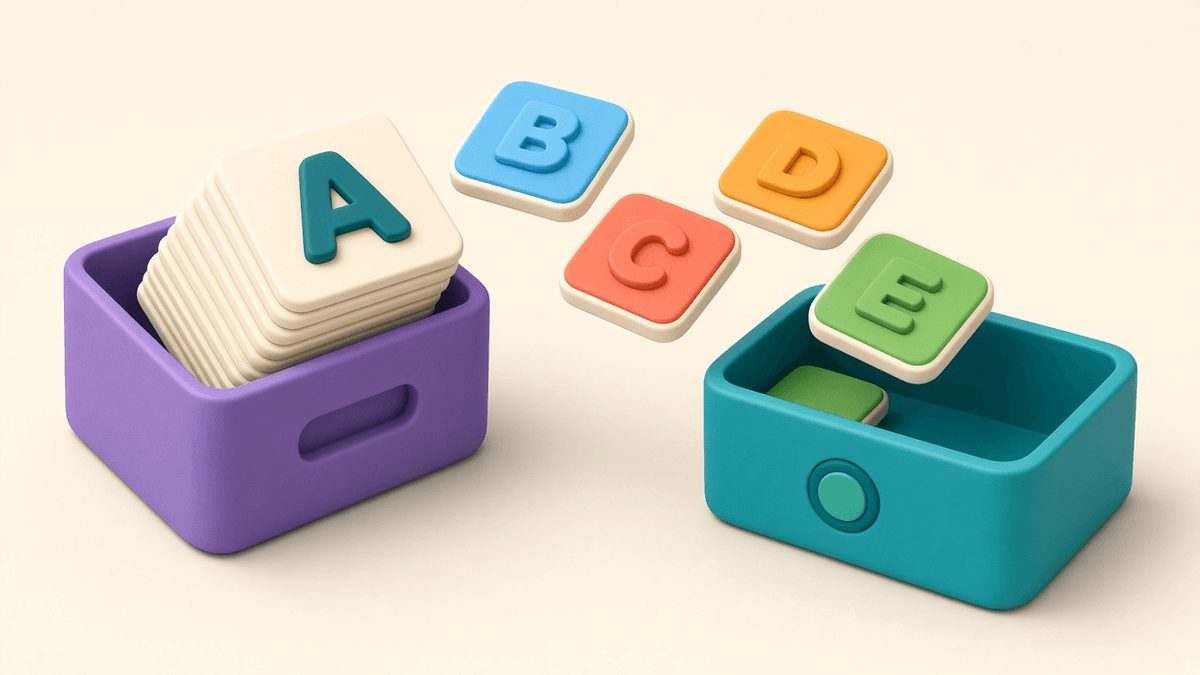
If you have been learning a language for a while, you probably already have cards somewhere: an Anki deck built up over months, a spreadsheet of words from a show, or a plain list in your notes app. There is no reason to retype them. Cardavela can import Anki decks in .apkg format as well as simple TXT or CSV lists. This guide walks through both, and covers the one thing worth knowing before you start.
Your options for custom decks
Cardavela gives you three ways to build your own deck:
- Type cards in by hand, which is fine for a short list.
- Import an Anki deck from an .apkg file.
- Load a TXT or CSV list with one word and translation per line.
Custom decks behave just like the free ones: the same swipes, the same Don't know, Hard and Know lists, the same games, and the same FSRS scheduler.
That makes this useful for English speakers learning Russian, too. The built-in decks are organized around English words, but if you have a Russian deck in Anki or your own list of Russian words, you can bring it in and study it the same way.
Before you start: the schedule is not copied
Cardavela imports the cards themselves, not your Anki review history. Intervals, due dates and past ratings stay in Anki. In Cardavela, memory for each card starts fresh.
That sounds like a loss, but in practice it settles quickly. Words you know well will get Know or Easy in the first sessions, and FSRS will push them out to long intervals. Words you once "learned" in Anki but have quietly forgotten get an honest check. Think of it as an audit of your deck.
Step by step: an Anki .apkg deck
- Export from Anki. In Anki on your computer, open the File menu and choose Export. Pick the Anki Deck Package (.apkg) format and select the deck you want.
- Get the file onto your iPhone. Use whatever you normally use: AirDrop, the Files app, or a cloud drive.
- Import in Cardavela. Open Library, tap + → Import a deck and pick the .apkg file.
- Spot-check a few cards. Flip through some cards to confirm the word and translation are on the right sides.
- Run your first session. Up to 8 cards, swipe, rate yourself honestly, and let FSRS take it from there.
Tip: if your Anki deck relies on heavy formatting, complex note templates or lots of media, try importing a small deck first. You will see quickly how your cards look in the new app.
Step by step: a TXT or CSV list
A plain list is even simpler. Each line is one card: a word, a separator, then the translation. Three separators work:
- a tab (what you usually get when copying from a spreadsheet);
- a semicolon
;; - a space, hyphen and space
-.
Example file:
apple - яблоко
to give up; сдаваться
reliable	надёжный
Then:
- Write the list in any text editor or export your spreadsheet as CSV.
- Check that every line has both a word and a translation, split by one of the supported separators.
- Save the file and move it to your iPhone.
- In Cardavela, go to Library → + → Import a deck and pick the file.
This is handy if you collect words while watching or reading. Build up a list, import it, and study.
After the import
Study the new deck like any other. Every word lands in one of the three lists. After a few days, open the Don't know list: you can train it on its own or use it in the Pairs and Ring games. It is a quick way to deal with the stubborn words from an old deck.
Statistics show your streak, marks per day, words by list, and how many words return over the week ahead. Everything stays on your device: no account, no ads, and it works offline.
Bring your cards over
Download Cardavela from the App Store and import your Anki deck or word list in a couple of minutes. No deck of your own yet? Visit the library for free decks built from subtitle frequency, available to download as CSV or TXT or to study online in your browser.