Cardavela
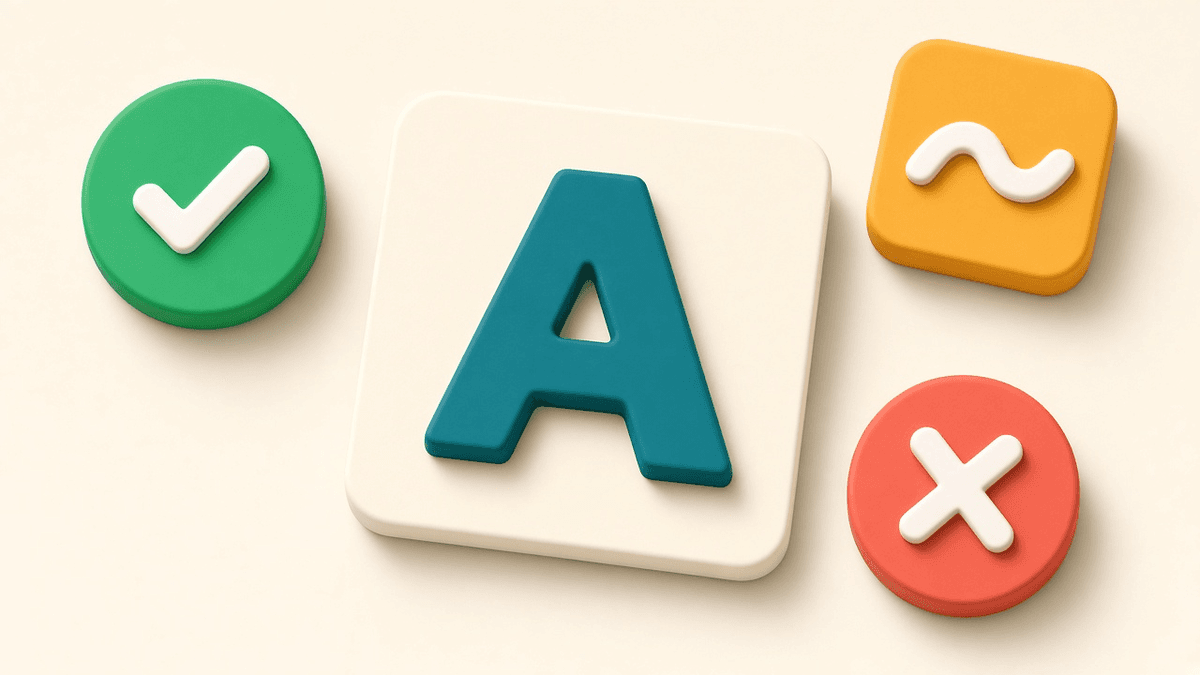
Flashcards look like the simplest study tool there is: see a word, recall the meaning, flip. But one small moment decides whether they actually work, and that is what you tap after you see the answer. That rating sets when the word comes back. Rate yourself too generously and words disappear right when they are starting to fade. This post explains what each rating in Cardavela means, how to answer honestly, and why it sometimes pays to train nothing but your Don't know list.
How rating works in Cardavela
One card fills the screen. You try to recall the answer, then tap to flip it and see the meaning, an example, and hear it spoken with iOS speech. Then you rate yourself in one of these ways:
- Swipe right for Know.
- Swipe left for Don't know.
- Swipe up for Easy.
- Or use the three buttons: Don't know, Hard, Know.
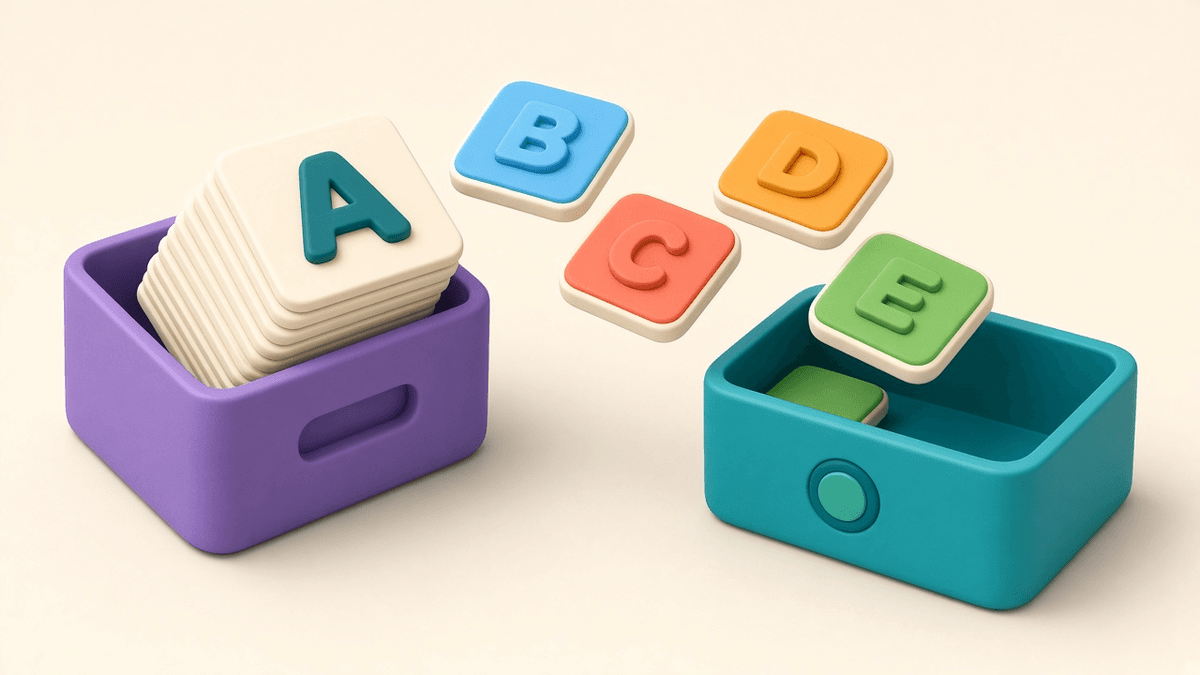
Every word you study lands in a Don't know, Hard or Know list, and the FSRS scheduler uses your rating to decide when to show the card next.
What each rating means
Ratings only help if you are consistent about what they mean. Here is a workable definition for each.
Don't know: you did not recall it, recalled the wrong thing, or guessed. Include the "it was on the tip of my tongue" cases where you still had to look. The card comes back soon.
Hard: you got it right, but it took real effort. You hesitated, second-guessed, or worked through a few options first. You know the word; it just is not solid yet.
Know: you recalled it correctly without much of a pause. This is the normal rating for a word you have learned.
Easy: the answer was instant and the word is old news. Save this for words that clearly do not need frequent reviews.
Why honesty beats speed
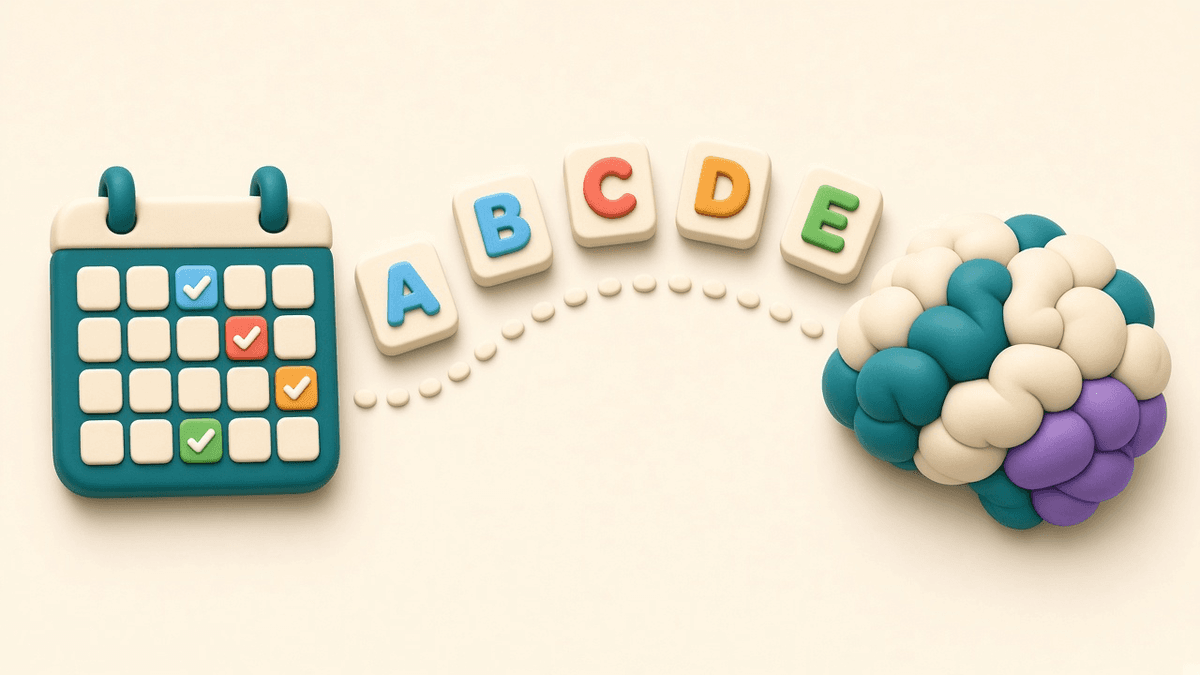
Tapping Know feels like progress, so the temptation is real. But spaced repetition runs on honest data. Mark a word as Know when you did not actually recall it, and FSRS concludes it is stable and schedules it far out. By the time it returns, it is gone.
A few habits that keep ratings honest:
- Recall first, then flip. Give yourself a couple of seconds before you tap.
- Do not count "almost". Half an answer, or a similar-looking word, is Don't know or Hard.
- Factor in time. If it took a long think, it is Hard, even if you got it right.
- Do not fear Don't know. It is not a failure. It tells the scheduler to show the word more often, which is exactly how it sticks.
One note on the free decks: their meanings are not a checked dictionary. If you know a different sense of a word than the one on the card, that alone is not a reason to tap Don't know. Rate how confidently you understand the word itself.
Honest ratings also save you time. Words you truly know move out to long intervals quickly and stop taking up space in your sessions, which leaves more room for the words that actually need the practice.
Training only Don't know
Over time the most stubborn words collect in the Don't know list, and they deserve focused attention. Cardavela lets you pick a single list and train just that one: only Don't know, or only Hard.
You can also switch formats. Play the Pairs or Ring game with the words from the list you chose. Seeing the same words in a different shape often helps you get them unstuck after the flip-and-swipe routine stops working for them.
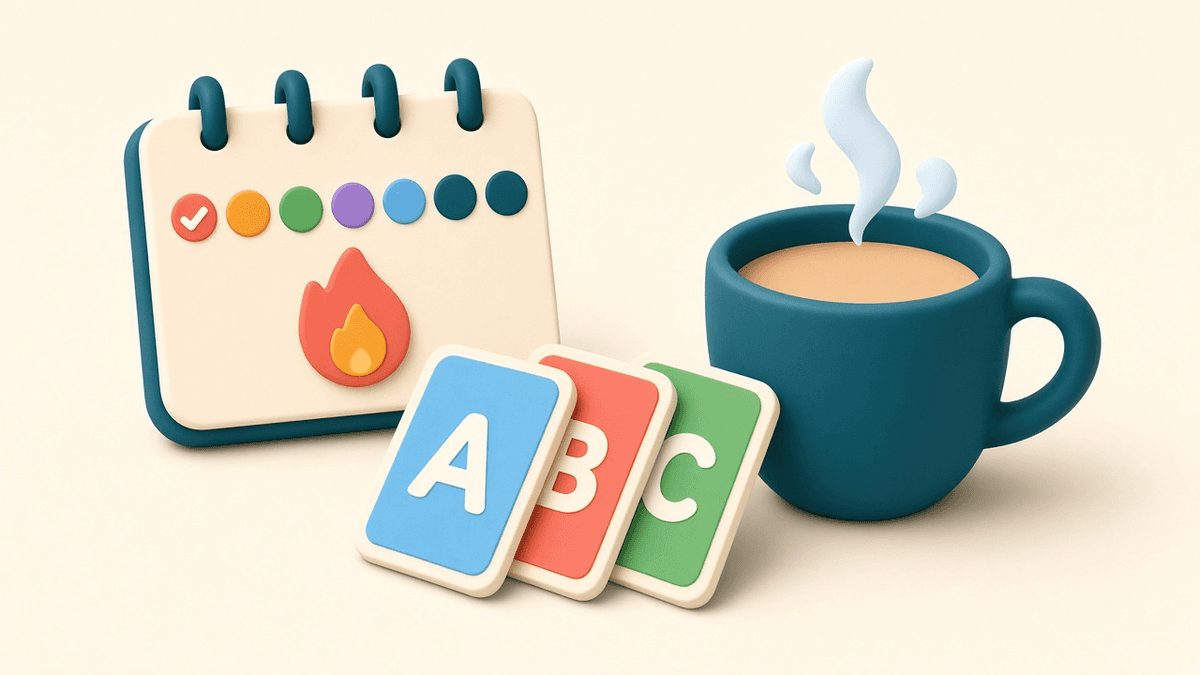
A good rhythm: regular short sessions of up to 8 cards every day, plus a dedicated Don't know session every few days. The statistics screen shows how many words sit in each list, so you can watch Don't know shrink over time.
This works the same whichever language you are learning. Build a custom deck of Russian words by typing cards or importing a list, and the three lists and games are all there for it.
Try honest self-assessment
Download Cardavela from the App Store and see how the swipes and lists feel with the Frequent words deck: no account, no ads, works offline. Want to start right now? Study the deck online in your browser or pick another one from the library.